Understanding and Fixing Lines in LED TV Screens
Introduction
Lines disrupting your LED TV can be annoying and indicative of deeper issues. Whether due to technical glitches or connection problems, these lines need addressing to enjoy seamless viewing. In this article, we explore why lines appear on LED TVs, how to troubleshoot and fix them, and discuss preventive measures to keep your screen in optimal condition.

Common Causes of Lines in LED TVs
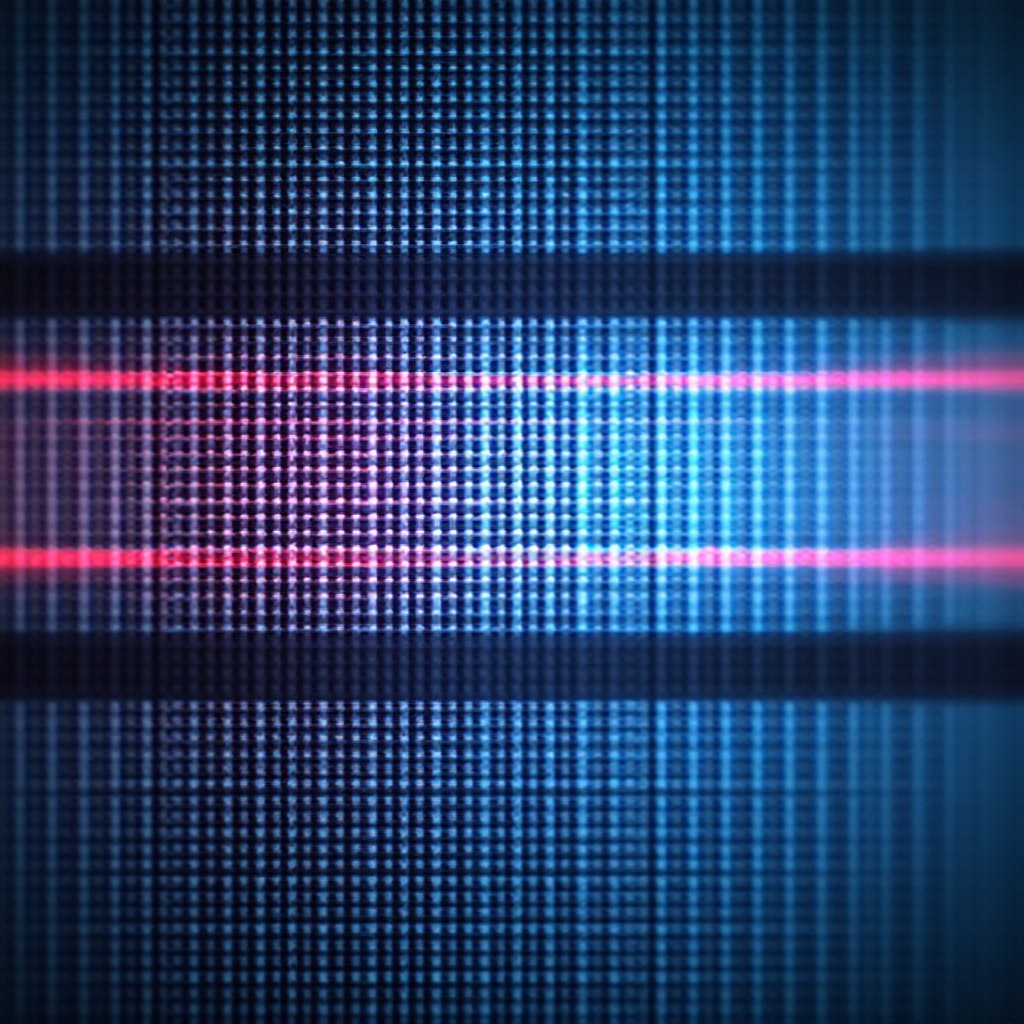
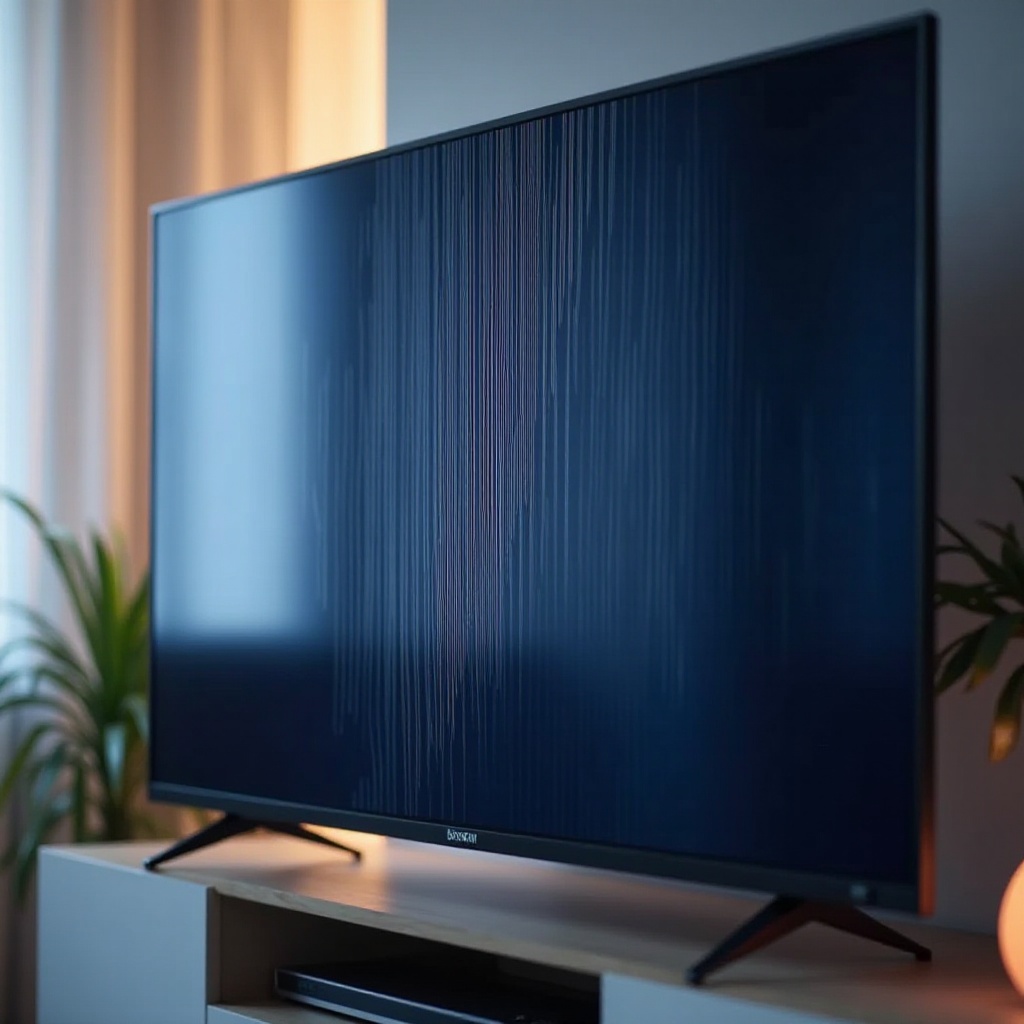
Recognizing the type of line that appears on your screen is crucial for effective troubleshooting. Vertical, horizontal, and flickering lines are most common, each pointing to different potential issues.
- Types of Lines: Vertical lines typically arise from cable or connection problems, whereas horizontal lines often signal internal display issues.
- Faulty Display Connections: Loose or poor connections can interrupt data transfer, leading to lines.
- Software Glitches: Outdated firmware or temporary software bugs might cause display errors, requiring a software update.
- Hardware Issues: Physical damage to internal components can result in persistent lines.
Understanding these causes sets the stage for addressing the issue effectively.
Troubleshooting Lines on LED Screens at Home
If you spot lines on your screen, there are several steps you can take before reaching out for professional assistance:
-
Checking and Reconnecting Cables: Ensure all cables are securely connected and not damaged. A quick reconnection might resolve issues related to vertical lines.
-
Initial Power Cycling: Turn off the TV and unplug it from the power outlet for a minute. Reconnect and power it on. This step can reset the system and clear minor software glitches.
-
Performing a Software Update: Navigate to the settings menu to check for updates. Regular firmware updates can correct bugs affecting the display.
Simple Power Cycling Techniques
A simple power cycle often resolves minor system mishaps. Unplugging the TV allows internal circuitry to reset, mitigating many common screen issues.
Updating TV Software and Firmware
Software updates are crucial for addressing glitches that cause lines. Make sure to follow the manufacturer’s instructions for updating the firmware, which can often rectify display problems.
Advanced Diagnostics and Solutions
If initial solutions fail, delve into more advanced troubleshooting steps:
-
Testing with Different Input Sources: Connect the TV to different HDMI cables or ports. If lines disappear, the original input could be the problem.
-
Adjusting Picture Settings: Incorrect picture settings may cause display problems. Calibrating the picture mode might rectify the lines.
-
Utilizing Diagnostic Tools: Some TVs come equipped with diagnostic features. Use these to identify anomalies in hardware or software.
These steps can further isolate the issue, indicating whether a part replacement or professional service is necessary.
When to Seek Professional Assistance
Persistent lines or signs of serious internal issues mean it’s time to consult a professional. If extensive troubleshooting fails or diagnostics reveal significant hardware defects, professional intervention is warranted.
Understanding Warranty Options
Before proceeding with repair services, verify your TV’s warranty status. Manufacturers often cover defects and offer free repairs within the warranty period.
Preventive Measures to Avoid Future Problems
Proactive care helps extend your TV’s life:
-
Proper Setup and Installation: Ensure stable installation in suitable environments to avoid moisture or excessive heat exposure.
-
Routine TV Maintenance: Regular dusting and periodic checks on cables and connections help maintain optimal performance.
-
Environmental Considerations: Stable temperatures and humidity levels prevent screen issues.
Implementing these measures ensures a longer lifespan for your TV and a superior viewing experience.
Conclusion
Addressing lines on your LED TV is critical for preserving a seamless viewing experience. Through identification and resolution of common issues, many problems can be managed at home. Recognizing the point at which professional assistance is necessary and maintaining preventative measures are key to prolonging your TV’s functionality.
Frequently Asked Questions
What causes vertical lines on my LED TV?
Vertical lines usually stem from loose or faulty cable connections, incorrect resolution settings, or internal component issues.
Can software updates fix screen lines?
Yes, software updates can resolve many line issues caused by glitches or firmware problems. Keeping your software up-to-date ensures the best TV performance.
How can I prevent lines from appearing on my TV screen?
Regular maintenance, proper installation, avoiding extreme conditions, and updating software can help prevent lines on your screen.