
How to Keep Your MacBook Clean: A Comprehensive Guide
Introduction
A clean MacBook not only looks great but also operates more efficiently. Over time, dust and grime build-up can lead to potential hardware issues and reduced performance. This comprehensive guide will provide you with step-by-step instructions to keep your MacBook in top condition, ensuring both its outer shine and inner performance are maintained. Let’s begin by preparing for the cleaning process and ensuring that your device remains impeccable both inside and out.
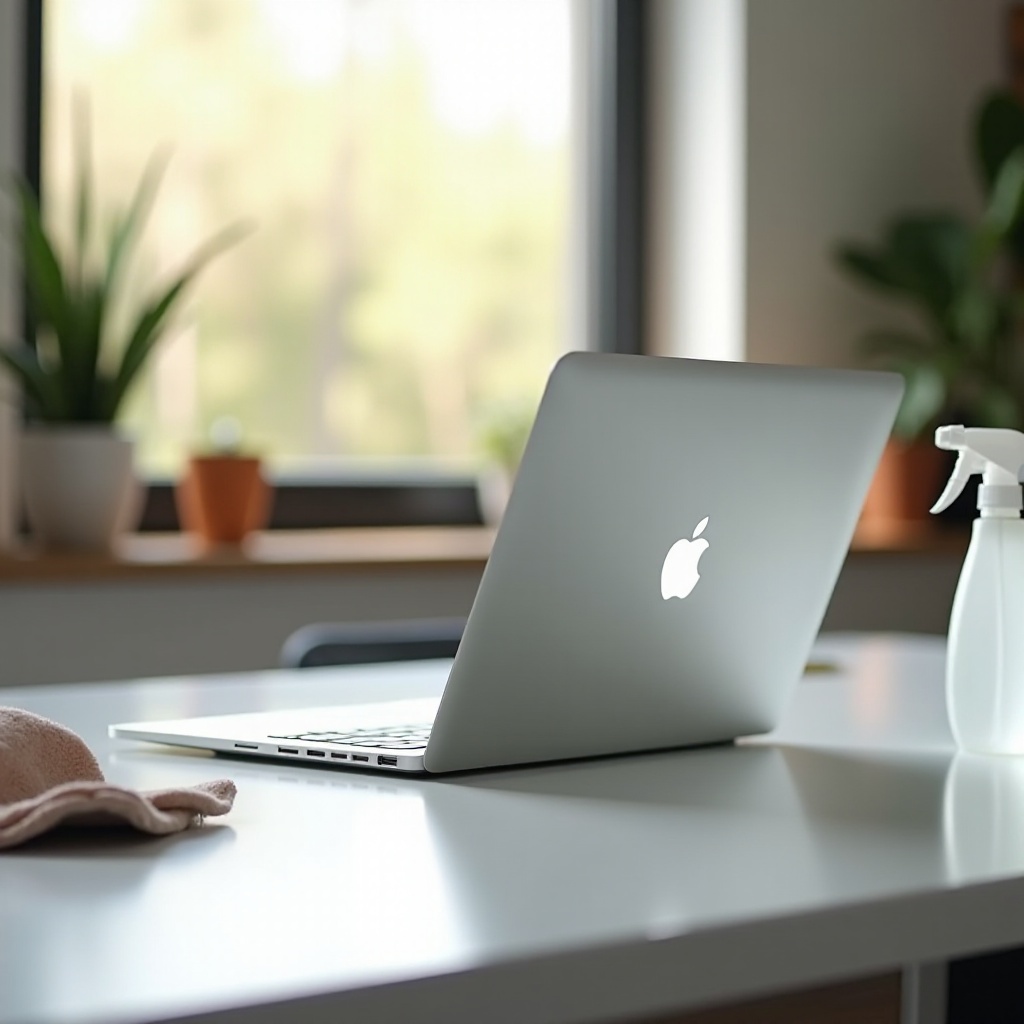
Preparing for the Cleaning Process
Before embarking on the cleaning journey, proper preparation is crucial to avoid damaging your MacBook. Start with the following steps:
-
Shut Down and Unplug: To ensure safety and avoid any electrical mishaps during cleaning, always turn off your MacBook and disconnect it from any power source.
-
Gather Necessary Tools and Materials: Ensure you have the right cleaning supplies on hand:
- Microfiber cloths
- 70% isopropyl alcohol
- Compressed air canister
- Cotton swabs
By preparing well, you can perform a thorough cleaning without harming your MacBook. With these preliminaries out of the way, it’s time to clean your MacBook’s exterior in detail.

Cleaning the MacBook’s Exterior
A polished exterior is a testament to the owner’s pride in their device. Here’s how you can meticulously clean different parts of your MacBook:
-
How to Clean the Screen: Use a microfiber cloth lightly dampened with water or 70% isopropyl alcohol, ensuring you don’t spray directly on the screen. Gently wipe in circular motions to avoid streaking.
-
Cleaning the Keyboard and Trackpad: For keys and the trackpad, use a microfiber cloth with an alcohol solution. For stubborn spots, a cotton swab will do the trick.
-
Polishing the MacBook Body: Gently wipe the MacBook’s body with a slightly damp microfiber cloth, being cautious around openings to prevent any moisture ingress.
Having spruced up the exterior, we’ll now focus on the often overlooked yet critical ports and vents that directly influence MacBook’s performance.
Keeping Ports and Vents Clean
Ports and vents are crucial for connectivity and optimal device temperature. Regular maintenance can prevent overheating and connectivity issues. Here’s what to do:
-
Cleaning Ports Safely: Once the MacBook is shut down and unplugged, use a compressed air canister to gently dislodge dust from the ports. Never use sharp objects that might damage the connectors.
-
Dusting Vents for Better Airflow: Similar to ports, carefully use compressed air from a safe distance to clear dust from vents, ensuring effective airflow through the device.
Keeping these areas clean complements the physical cleaning, making way for addressing the digital cleanliness of your device.
Digital Cleanliness for Your MacBook
Beyond physical cleanliness, maintaining digital order on your MacBook is crucial for optimal performance. Let’s delve into these aspects:
-
Removing Unnecessary Files and Apps: Regularly go through your files to delete what is no longer needed and uninstall unused applications. Apple’s ‘Storage Management’ feature is a helpful tool in identifying large files to clean up.
-
Regular Software Updates: Keeping your operating system and applications updated ensures you benefit from the latest security patches and performance improvements.
-
Protecting Against Malware: Install a reputable antivirus solution and use MacBook’s built-in security tools such as the firewall and Gatekeeper to safeguard against malware.
Digital cleanliness is intertwined with physical upkeep, so let’s explore some long-term maintenance strategies next.
Long-Term Maintenance Tips
Incorporating long-term care practices ensures your MacBook remains in tip-top condition for years:
-
Daily Habits for a Clean MacBook: Simple habits, such as washing your hands before using your MacBook and keeping food and drinks away, keep it cleaner longer.
-
Protective Cases and Covers: Investing in a high-quality case prevents scratches and damage from minor bumps. Consider using screen protectors and keyboard covers for an extra layer of protection.
Adhering to these best practices can make a world of difference in extending your device’s longevity.
Conclusion
Regular cleaning and maintenance are the foundation of a MacBook’s lasting appeal and performance. By diligently applying these strategies, you maintain your MacBook’s reliability and efficiency over time. Embrace these habits to ensure your MacBook continues to perform at its best.
Frequently Asked Questions
How often should I clean my MacBook?
It’s advised to clean your MacBook’s exterior parts weekly, while a thorough cleaning, including ports and vents, should be carried out monthly.
What cleaning products are safe for my MacBook?
Use microfiber cloths, 70% isopropyl alcohol, and compressed air. Avoid harsh chemicals and any abrasive materials.
Can cleaning my MacBook improve its performance?
Yes, regular cleaning prevents overheating, maintains connectivity, and supports efficient operation, which can significantly enhance performance.