
How to Fix an RCA TV That’s Not Turning On (2024 Guide)
Introduction
Discovering that your RCA TV won’t turn on can be perplexing and inconvenient. Before you start considering expensive replacements or professional repair services, there are a variety of troubleshooting steps you can perform on your own. This comprehensive 2024 guide will equip you with the necessary know-how to potentially resolve the issue in no time, restoring your TV to optimal function.
Initial Checks and Basic Troubleshooting
When your RCA TV is unresponsive, it’s essential to start with a few fundamental checks. Often, these initial steps can pinpoint or resolve the issue:
- Ensure Power Supply:
-
Verify the TV is plugged firm into a working power outlet. Sometimes outlets can show signs of wear, so check with a different device to confirm it’s operational.
-
Inspect Remote Control:
- Change the remote control’s batteries to rule out a power-related issue.
- Use the TV’s built-in power button to see if the issue lies with the remote.
If your TV still won’t turn on after these checks, it’s time to delve deeper into potential hardware and connection problems.
Diagnosing Hardware and Connection Issues
Persistent power issues could be stemming from faulty cables or external devices. Here’s how to assess these:
- Examine Power Cables and Connections:
- Inspect all power cables for wear and tear or other damages that might prevent the TV from receiving power.
-
Ensure all connections are secure and no cables are loosely attached.
-
Check HDMI and Other External Inputs:
- Disconnect all connected external devices such as gaming consoles or media players.
- Reconnect each device individually to determine if any particular connection is problematic.
After verifying cable integrity and connection security, if difficulties persist, consider resetting your RCA TV.
Resetting Your RCA TV
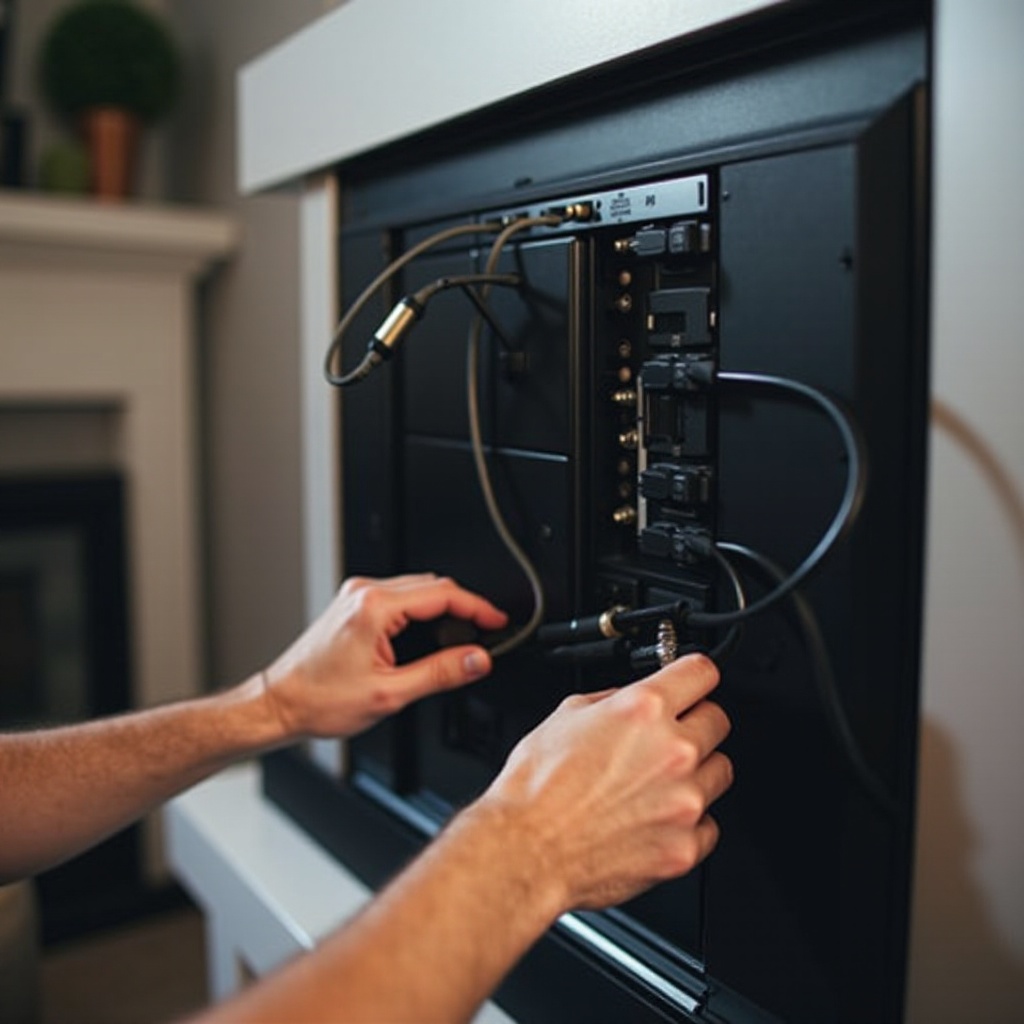
Resetting your TV may help clear out any software conflicts or glitches. There are two types of resets you can perform:
- Performing a Soft Reset:
- Disconnect your TV from the power source.
- Hold down the power button on the TV for 10-15 seconds to discharge residual power.
-
Reconnect and attempt to power up the TV again.
-
Factory Resetting the TV:
- Check your user manual for specific instructions as the steps can vary by model.
- Be aware that factory resetting will remove all personal settings, so backup any preferences if possible.
If resetting your TV doesn’t solve the issue, you’ll need to pay attention to the indicator lights and any potential error codes.
Understanding Indicator Lights and Error Codes
Indicator lights can convey diverse statuses, which might help diagnose the problem. Knowing what each signal means potentially saves you both time and effort:
- Interpreting Standby Light Behaviors:
-
Note any consistent blinking patterns from the standby light, which may indicate specific warnings or statuses.
-
RCA TV Error Messages:
- On-screen error messages or codes can direct you towards particular malfunctions. Document these codes to either resolve with a manual or provide accurate information to customer support.
If none of the above steps succeed, it might be time to consider external assistance.
When to Seek Professional Help
Continued complications with powering your RCA TV might necessitate professional diagnosis. Here’s what to consider:
- Recognizing Persistent Issues:
-
If the TV fails to power even after all troubleshooting efforts, internal damage could be the culprit. Such scenarios often require technical expertise.
-
Warranty and Repair Services:
- Review your TV’s warranty to check for potential coverage of repairs.
- Contact RCA’s customer service for authorized repair centers or explore reputable local electronics repair shops.
The decision to seek professional help can safeguard your TV from further damage and potentially cumbersome repair costs.
Conclusion
By following these outlined steps, you can systematically tackle the common problems that may prevent your RCA TV from turning on. A thorough approach often saves time and money, addressing the problem effectively without immediate professional intervention. Always keep your warranty information at hand and consult professionals when necessary.
Frequently Asked Questions
Why won’t my RCA TV turn on even when it’s plugged in?
This could be due to power supply issues, problems with the remote control, or faulty cables. Start by verifying these components before exploring more complex solutions.
How do I reset my RCA TV to factory settings?
You can access the settings menu and follow the prompts for a factory reset. Refer to your specific model’s manual for detailed steps.
What do different RCA TV standby light patterns mean?
Standby light patterns can indicate different statuses. A blinking light might suggest hardware problems, whereas a steady light usually means the TV is in standby mode.