
How to Address Water Damage in Your iPhone Charging Port
Introduction
Water damage to your iPhone’s charging port can disrupt your daily routine and potentially harm your device’s overall functionality. Recognizing the early signs of water intrusion and knowing how to respond promptly is crucial. In this guide, we’ll cover the symptoms of water damage, immediate corrective steps, effective DIY methods, and when to seek professional assistance. Knowing how to prevent future issues will also help keep your iPhone safe.
Understanding Water Damage in iPhone Charging Ports
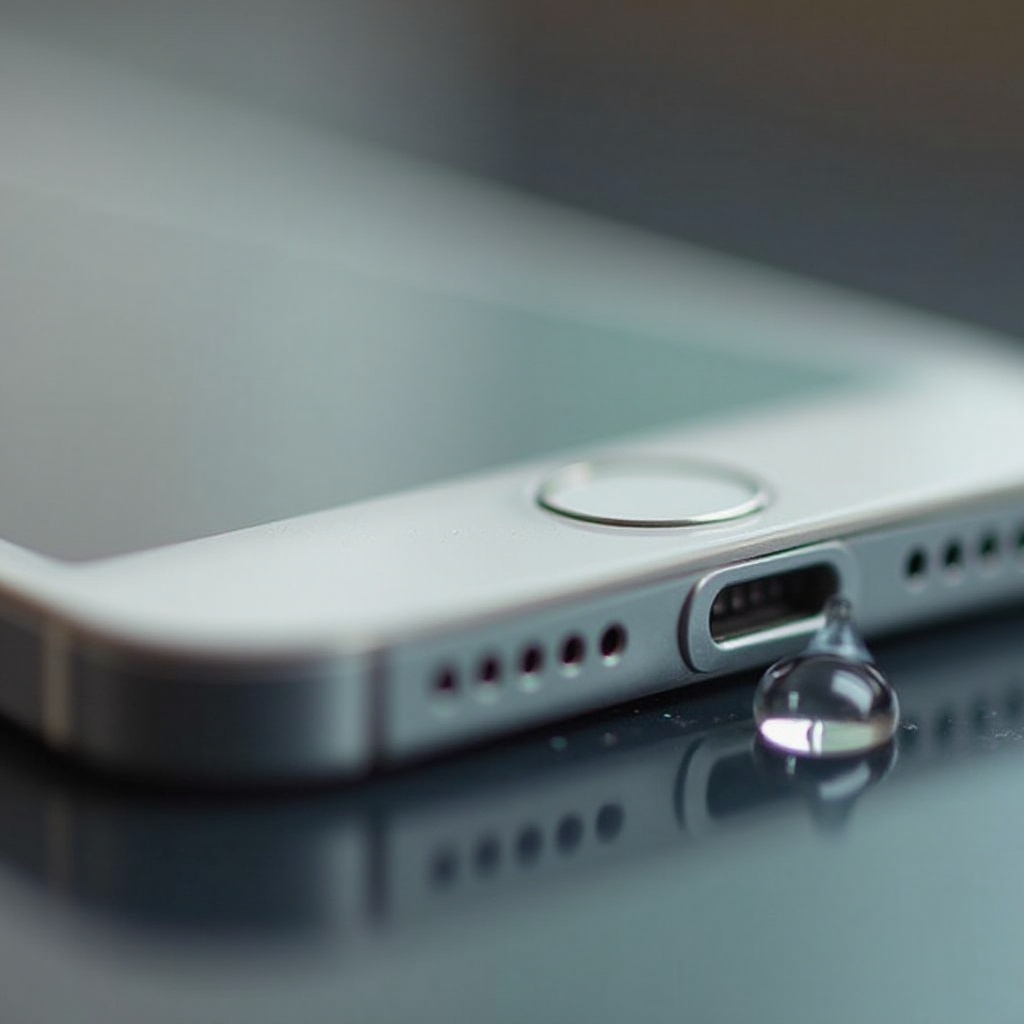
Water can infiltrate the charging port through various means, leading to corrosion and electrical problems. It’s essential to understand that even a small amount of water can have significant effects if not addressed quickly. Recognizing the causes of water damage can help you better anticipate issues and reduce the risk to your device.
Symptoms of a Water-Damaged Charging Port
Detecting the signs of water damage early can prevent more extensive repair needs. Look for these symptoms to address the damage promptly:
- Difficulty in charging: Struggling to charge or intermittent charging are telltale signs.
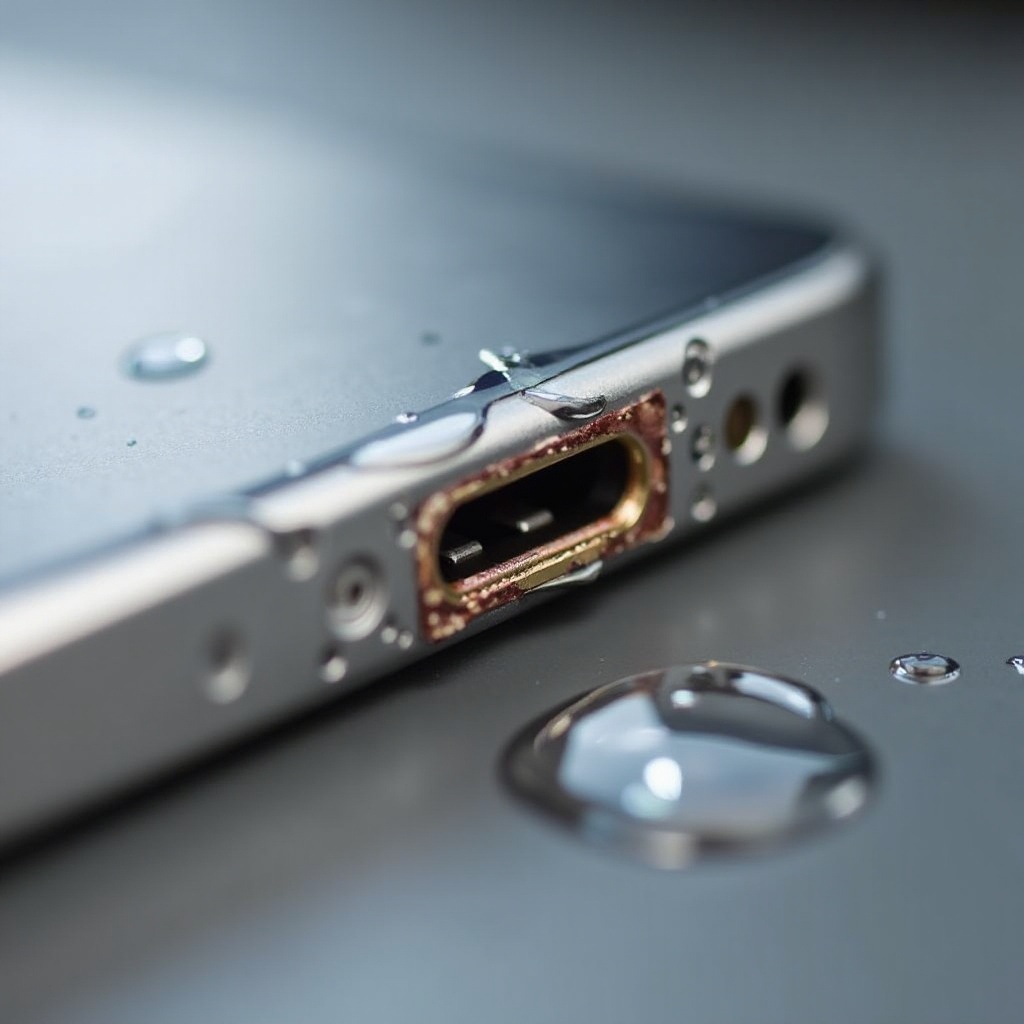
- Visible corrosion: Discoloration or rust around the port suggests water exposure.
- Device overheating: Water damage can lead to overheating when connected to power.
Identifying these symptoms early allows for timely intervention, potentially saving your device from more complicated issues.
Immediate Steps to Take
Quick action is critical when your iPhone’s charging port is exposed to water. Follow these steps to limit damage:
- Power Off and Unplug: Turn off your iPhone immediately and unplug any cables.
- Dry the Port Properly: Use a soft cloth or air blower to gently remove moisture.
- Avoid Common Mistakes: Do not insert objects into the port, as this can worsen damage.
Taking these immediate actions helps manage the situation effectively, setting the stage for any necessary repairs.
DIY Methods for Cleaning and Repairing the Port
If you’re facing minor water damage, DIY repairs might offer a solution. Here’s how to approach it:
Tools You’ll Need:
– A small, clean brush
– Isopropyl alcohol
– Compressed air can
Step-by-Step Cleaning Guide:
- Ensure Device is Off: Keep your iPhone powered off during cleaning.
- Apply Isopropyl Alcohol: Dampen a brush with alcohol and clean the port gently.
- Use Compressed Air: Blow air into the port to remove moisture and debris.
- Allow to Dry: Let the port dry before attempting to use it again.
These methods can address minor exposure, but for extensive damage, professional help may be necessary.
When to Seek Professional Assistance
Recognize when DIY solutions aren’t enough and it’s time for expert help:
Indicators for Professional Help:
– Persistent charging problems despite DIY efforts.
– Significant corrosion or continued malfunctions.
– Device won’t power on even after cleaning.
What to Expect from Repair Services:
Professionals will perform thorough inspections and repairs, often replacing damaged parts. While the costs can vary, addressing the issue early with expert help can prevent further complications.
Preventive Measures for Future Protection
Once repaired, ensure future incidents are minimized with these strategies:
Use of Protective Cases:
Seek out quality waterproof cases that shield your iPhone while maintaining usability.
Water Resistance Ratings Explained:
Familiarize yourself with your device’s IP rating. Higher ratings offer better protection but aren’t infallible. Understanding these ratings helps in making informed decisions about device usage and protection.
Implementing these measures aids in safeguarding your device against water damage, keeping it functional and reliable over time.
Conclusion
Addressing water damage quickly in your iPhone’s charging port can save you from costly repairs and maintain device functionality. Being proactive by understanding symptoms, employing immediate solutions, utilizing DIY fixes when appropriate, and recognizing when professional help is necessary ensures the longevity and performance of your device. Coupled with preventive steps, you stand a better chance of keeping your iPhone water damage-free.
Frequently Asked Questions
Can a water-damaged charging port be fixed at home?
Yes, minor water damage can often be fixed at home using proper drying and cleaning techniques, though severe damage may require professional repair.
How much does it cost to repair a water-damaged iPhone charging port?
The cost varies depending on the extent of damage, typically ranging from $50 to $150 for significant repairs.
How long should I wait before charging my iPhone after water exposure?
After ensuring the device is dry, wait at least 24 hours before attempting to charge your iPhone to prevent short-circuiting.
