
How to Fix TV Lines: A Comprehensive Guide
Introduction
Lines on your TV screen can turn an enjoyable evening into a frustrating ordeal. Whether they are horizontal or vertical, these lines can disrupt your viewing experience and suggest a need for maintenance. Understanding the nature of these lines is crucial for diagnosing and fixing the issue correctly. In this guide, we will explore how to identify different types of lines, offer quick fixes, and advise you on when professional assistance is necessary to restore your TV to its original clarity.
Understanding Different Types of TV Lines
Identifying the type of lines on your TV is the first step in resolving the issue.
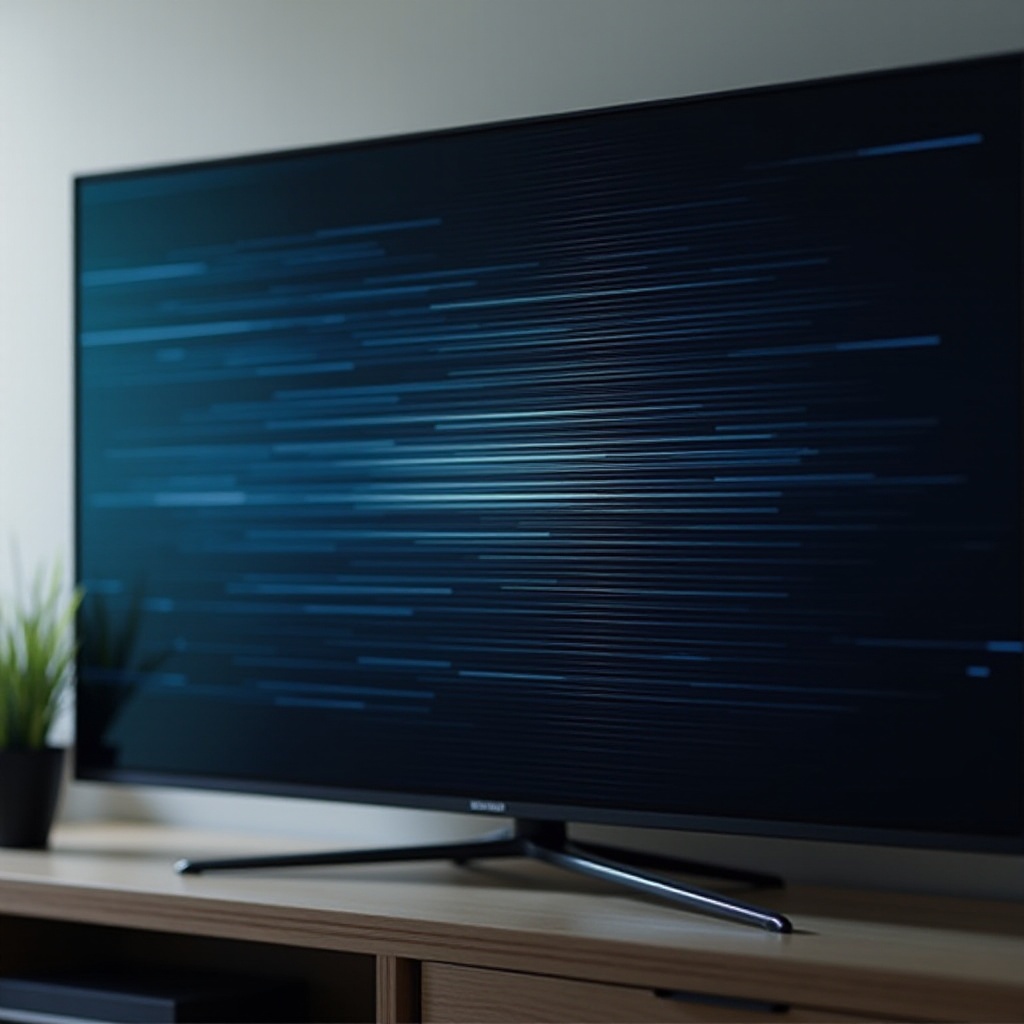
– Horizontal Lines: These lines, usually a result of loose internal connections or poor signal reception, run across the width of your screen and disrupt the image quality.
– Vertical Lines: Often associated with problems in the graphics card or internal circuitry, vertical lines might point to more serious panel issues that require attention.
Recognizing whether your TV has horizontal or vertical lines can significantly narrow down the potential causes and lead you to the appropriate solution.
Quick Troubleshooting Steps
Once you’ve identified the type of line, you can begin with some straightforward troubleshooting steps:
1. Checking External Connections: Ensure all HDMI, power, and connector cables are firmly attached. Faulty or loosely connected cables are common culprits of line issues.
2. Restarting the TV: Sometimes, simply turning the TV off and on again can resolve temporary software glitches causing lines.
3. Performing a Factory Reset: If a restart doesn’t help, consider restoring factory settings to remove software errors. Remember, this will erase all personalized configurations.
These basic steps can often resolve simple issues without the need for complex interventions.
Inspecting Internal Components
Should initial troubleshooting fail, examining internal components may be necessary:
– Testing the T-Con Board: This crucial component converts signals for your screen. Lines often suggest it may be malfunctioning. Check for loose connections or damages that warrant repair or replacement.
– Checking the LCD or OLED Panel: Damages to the panel, such as cracks or other physical trauma, can also lead to persistent lines. If visible damage is present, professional help is often the best course of action.
Addressing these internal issues requires a careful approach to ensure safety and accuracy.
Software and Firmware Solutions
While hardware issues are common, don’t overlook potential software causes:
– Updating TV Firmware: Older firmware can create compatibility problems and may cause lines. Ensure your TV runs on the latest updates by frequently checking its manufacturer’s website.
– Resetting Picture Settings: Inaccurate display settings might distort image output. Navigate to your TV’s settings and revert to the default display configuration to potentially eliminate visual errors.
By ensuring your software is up-to-date, you can prevent many common issues related to screen lines.
When to Seek Professional Help
If the lines persist after trying these solutions, professional help may be required. Here ‘s how to recognize when to call an expert:
– Persistent Lines: If troubleshooting and resets fail to resolve lines, more significant internal repairs may be needed.
– Complexity of Repair: Some issues are beyond a straightforward fix and require technical expertise.
Considering repair costs and TV age, professional assessment ensures no additional damage occurs during attempts at self-repair.
Preventative Measures
Preventing future occurrences of lines can save you from frequent repairs and maintain your TV’s performance:
– Regular Maintenance: Periodic cleaning of your TV and its cables helps prevent dust from causing connectivity issues.
– Avoiding Physical Damage: Keep your TV in safe locations to reduce the risk of knocks and bumps.
– Using Surge Protectors: Protect your appliances from electrical surges with quality surge protectors to reduce damage risk.
Incorporating these steps into your routine can help prolong your TV’s functionality and clarity.
Conclusion
Resolving TV lines quickly and effectively not only enhances your viewing experience but also prolongs your TV’s lifespan. While many issues can be addressed through simple troubleshooting, some require professional intervention. Accurately assessing and addressing the problem ensures you apply the correct fix, minimizing downtime and potential damage.
Frequently Asked Questions
What causes lines on my TV screen?
Lines can be caused by hardware issues like loose connections or internal damage, as well as software issues such as outdated firmware.
Can all TV line issues be fixed by myself?
Many minor issues can be resolved at home, but significant hardware problems often require professional repair.
Is it worth repairing an old TV with lines?
Consider your TV’s age and repair costs versus replacement costs. If repairs are expensive, it might be more economical to replace the TV.