How to Connect N64 to Modern TV
Introduction
The Nintendo 64 (N64) stands as an iconic symbol of gaming from the past, bringing nostalgia and excitement to its users. Gamers today seek to connect their beloved N64 consoles to new, modern televisions. Though initially intimidating, connecting your N64 to a modern TV is a straightforward process. In this comprehensive guide, we will take you through every step needed to revive your N64 experience and enjoy those cherished games in an enhanced format.
Understanding N64 Output Options
Before you start connecting your N64 to a modern TV, it’s essential to understand the console’s original output configurations. The N64 primarily utilizes analog video outputs, specifically Composite RCA cables with colors yellow for video and red/white for audio. There’s also an S-Video output option available, which provides a slightly better video quality. Selecting the correct output will depend on the equipment you have at your disposal and your desired video quality. Now, let’s examine the compatibility of these outputs with modern TV input options.
Exploring Modern TV Input Ports
Today’s TVs come equipped with various input ports. Knowing these options will assist you in making the correct connections to your N64:
- HDMI: Ubiquitous on modern TVs for high-quality video and audio.
- Composite: Traditional yellow, red, and white RCA ports commonly used by older consoles.
- Component: Red, green, and blue cables that offer better quality than composite cables.
Understanding these inputs helps identify the right converters or cables for seamless connections. Let’s proceed to discuss the necessary equipment needed for these connections.
Required Equipment for Connection
To connect your N64 to a modern TV, you’ll need some specific items handy. Here is what you’ll need:
- Original N64 Cables: Use your existing RCA or S-Video cable.
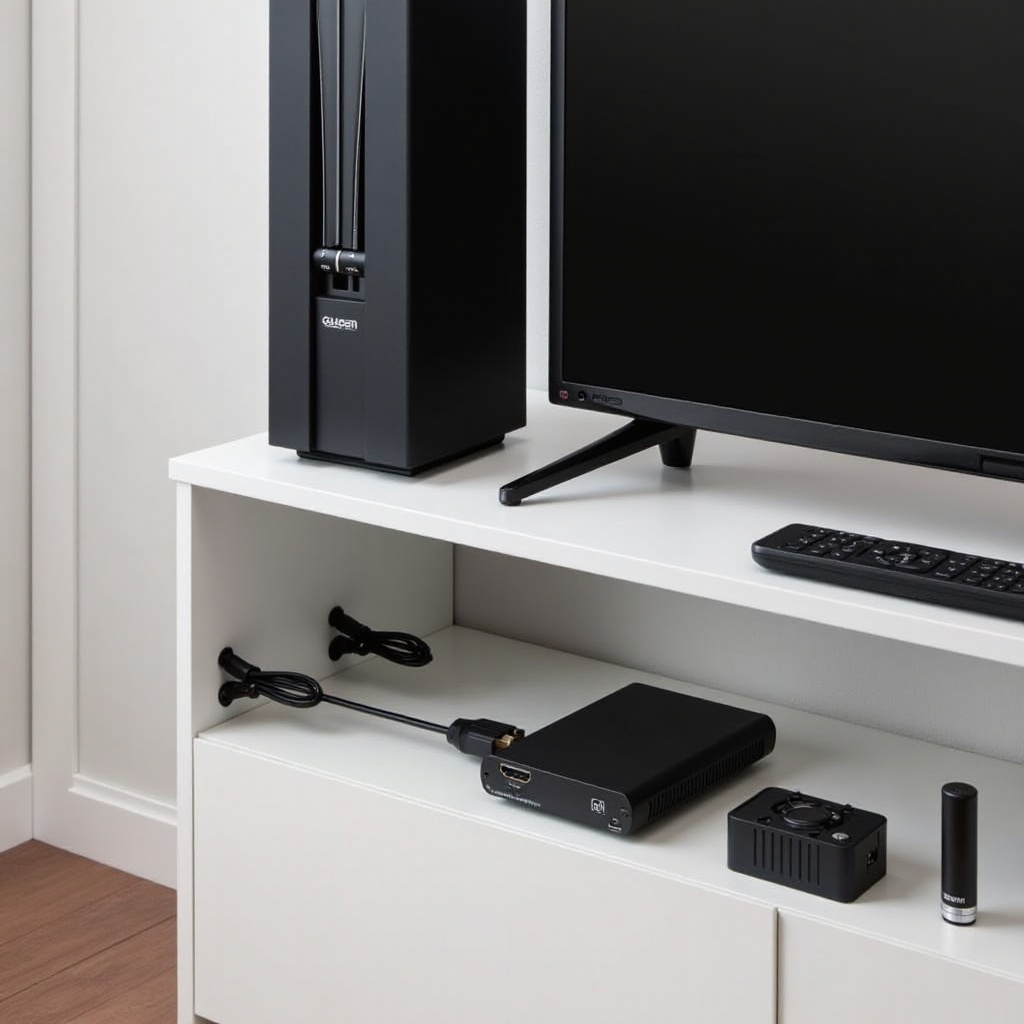
- RCA to HDMI Converter: Converts analog signals to digital, allowing display on HDMI inputs.
- S-Video to HDMI Converter: For anyone seeking improved video quality through S-Video outputs.
Equipped with these items, you are ready to make the connection. Next, we’ll guide you through the process of connecting your N64 to your TV.
Step-by-Step Connection Process
Here’s how to connect your N64 to a modern TV:
- Connect the N64 to the Converter:
- Insert the yellow, red, and white RCA cables from the N64 into the corresponding RCA to HDMI converter ports.
-
If using S-Video, plug the S-Video cable into the converter.
-
Connect the Converter to the TV:
-
Use an HDMI cable to connect the converter’s HDMI port to an available HDMI input on the TV.
-
Power On the Devices:
- Ensure the converter is powered (most require a USB power source).
-
Turn on your N64 and choose the HDMI input on your TV using the remote.
-
Adjust TV Settings:
- Modify settings such as picture size or sharpness to enhance your viewing experience.
As you’ve successfully connected your N64, it is beneficial to examine ways to enhance both video and audio quality.
Enhancing Video and Audio Quality
You may wish to further augment your gaming experience by enhancing video and audio quality. Consider these tips:
- Use a Video Upscaler: Upscalers can efficiently boost the clarity and sharpness of the visuals.
- Adjust TV Settings: Fine-tune contrast, brightness, and noise reduction settings for an optimal display.
- External Speakers: Connect external speakers or a soundbar for enriched audio quality.
These enhancements have the potential to transform your retro gaming setup. Now, let’s discuss troubleshooting common issues you might encounter.
Troubleshooting Common Issues
During the setup process, common issues might arise. Here’s how to troubleshoot them:
- Video Display Problems: Ensure all connections are secure. Recalibrate TV picture settings or try a different type of converter if issues persist.
- Addressing Audio Discrepancies: Verify that audio cables are connected properly. Persistent issues might relate to the converter.
- Reducing Display Latency: Some converters introduce lag; opting for gaming-optimized converters can help minimize this.
Overcoming these common problems ensures smoother gameplay. Should these options seem overwhelming, consider exploring alternative solutions.
Alternative Solutions and Emulation Options
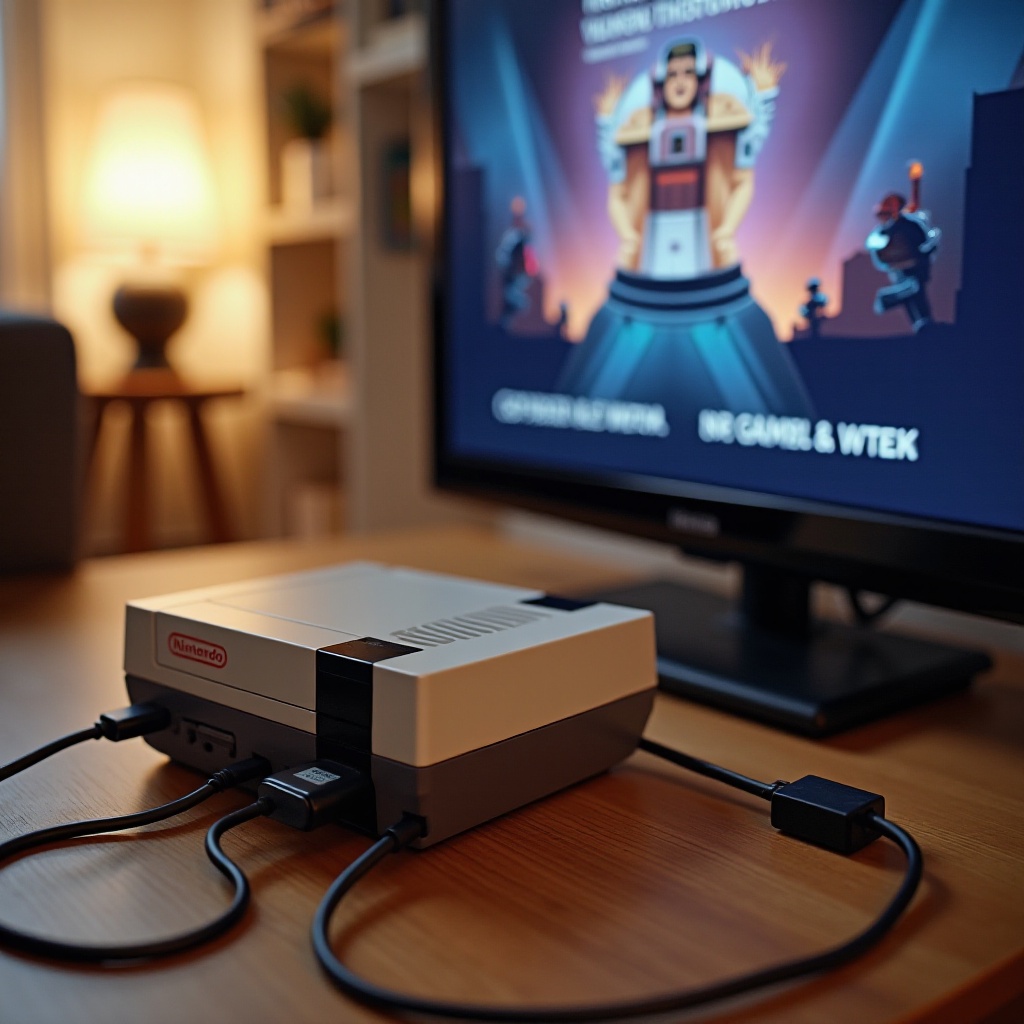
If connecting your original N64 seems daunting, there are alternative solutions available. Emulators like Project64 or RetroArch allow play of N64 games on other devices, offering better graphics and mod capabilities. Additionally, devices such as the Hyperkin Retron 5 can support N64 cartridges with HDMI output, making it convenient to enjoy nostalgic games with modern enhancements.
Exploring these exciting alternatives offers a modern twist on classic film memories. Finally, let’s recap the essential steps for connecting your N64 to a modern TV.
Conclusion
Connecting your N64 to a modern TV ensures the revival of fond gaming memories. We’ve covered everything from understanding outputs and inputs to overcoming challenges with troubleshooting. Whether you choose original hardware or opt for alternatives, your favorite N64 games await. Dive back into Nintendo’s historic console and relive those epic gaming moments.
Frequently Asked Questions
Can I connect my N64 to a TV without HDMI input?
Yes, you can connect your N64 using the TV’s composite or S-Video inputs with the appropriate cables.
What is the best converter for connecting N64 to modern TVs?
The Kinivo 501BN 5-Port High Speed HDMI Switch with IR wireless remote is a popular choice due to its reliability and low input lag.
How can I improve the video quality of my N64 on a modern TV?
Using a video upscaler, adjusting your TV settings, and considering an S-Video connection can enhance video quality.