How to Fix a Vizio TV Power Button Not Working
Introduction
Experiencing issues with your Vizio TV not responding when you press the power button can be incredibly frustrating, especially when you’re looking forward to some relaxation time in front of your favorite shows. Fortunately, many of these issues are common and can be resolved with a bit of troubleshooting. This article will guide you through step-by-step methods to get your Vizio TV’s power button back in working order.
Understanding the Problem
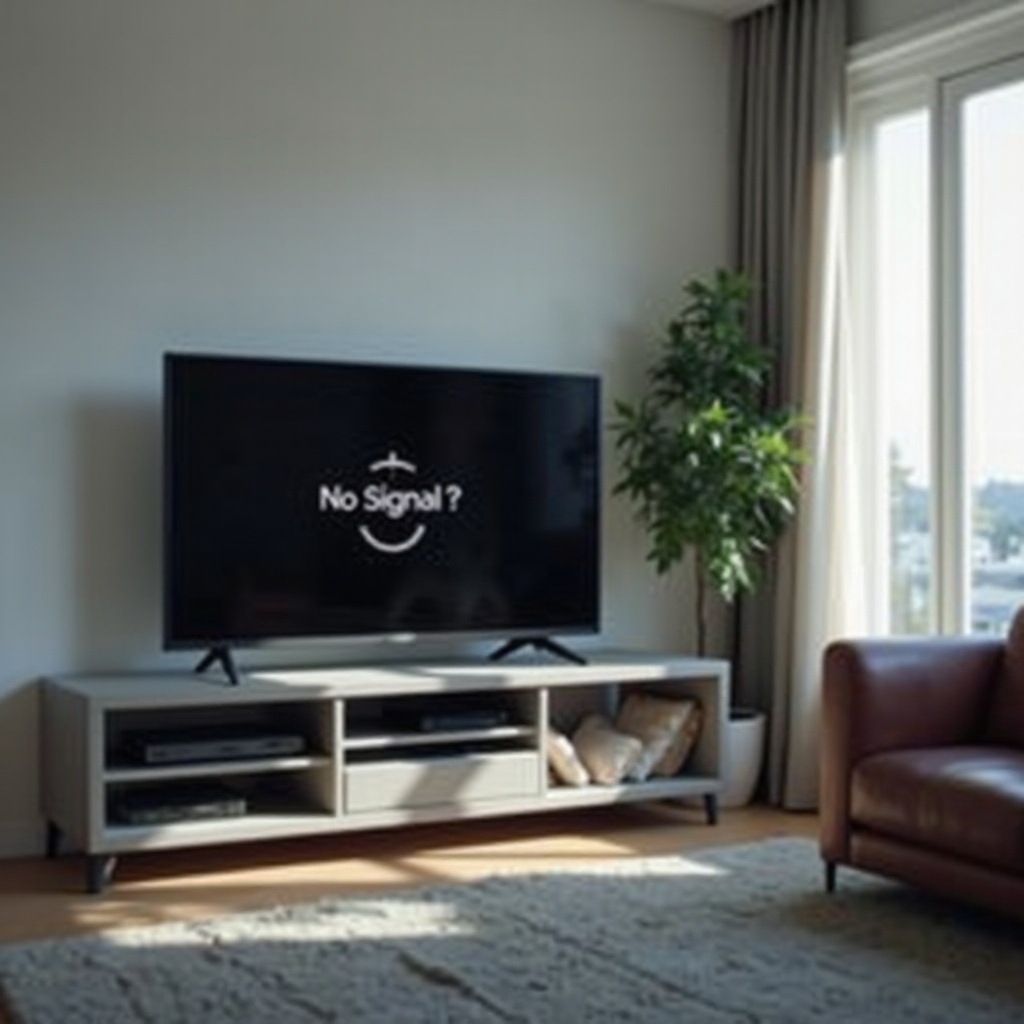
It’s crucial to first understand the potential reasons behind your Vizio TV’s power button not functioning correctly. These issues can range from a simple power supply interruption to more elaborate internal hardware problems. Having this knowledge helps you to navigate through the potential solutions effectively.
Among the common reasons your TV might not be turning on include:
– Issues with the power cable or wall outlet.
– Malfunctioning of the remote control.
– Internal TV component failure.
Connecting with these preliminary checks will streamline your troubleshooting process, allowing you to resolve the issue efficiently.
Preliminary Checks
Begin your troubleshooting with some basic checks to rule out the most straightforward problems:
- Ensure Proper Power Connection: Make sure that the TV’s plug is firmly connected to a working power outlet. Test the outlet by plugging in another device.
- Check the Power Outlet: If the outlet is faulty, change to a different outlet to verify whether the issue is with the socket.
- Inspect the Power Cable: Examine the cable for visible signs of wear or damage. If damaged, replace it before proceeding further.
These checks are basic but essential steps to resolve potential simple issues before moving on to more detailed troubleshooting.

Remote Control Troubleshooting
Sometimes, the problem lies not with the TV but with the remote. Here’s how to investigate:
- Check and Replace Batteries: Weak batteries may prevent the remote from operating the TV. Replace with new ones to ensure this isn’t the cause.
- Reset the Remote Control: Remove the batteries, press all buttons to discharge any charge, and then reinsert the batteries.
- Use an Alternative Remote: Try using another remote to determine if there’s an issue with the original one.
After confirming the remote control is functioning properly, you can proceed to examine the TV’s manual power options.
Manual Power Button Solutions
If the remote control isn’t the issue, your next step should be inspecting the TV’s manual power button:
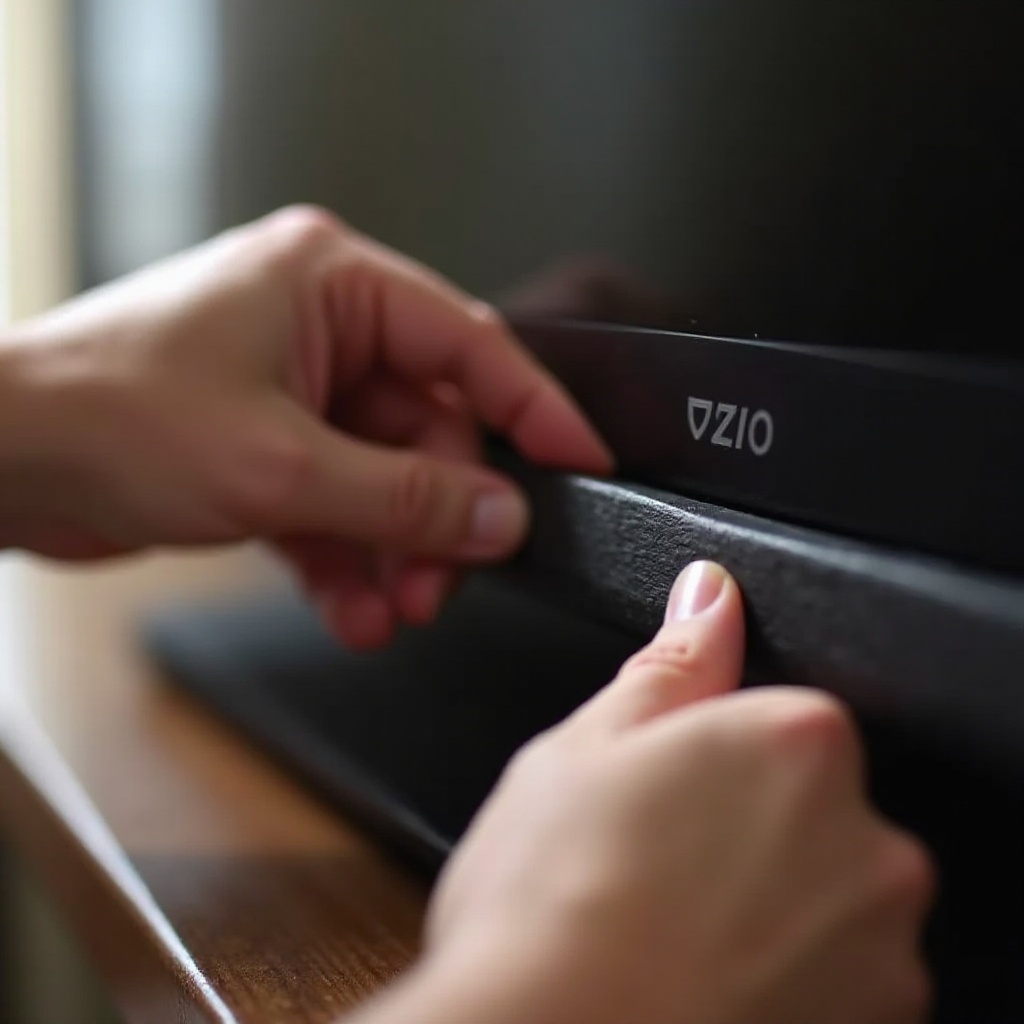
- Locate the Manual Power Button: Usually found on the side or back of the TV, ensure it’s not stuck or misaligned.
- Clean and Maintain the Button: Dust or debris buildup can hinder the button’s operation; clean thoroughly around this area.
- Check for Physical Obstructions: Ensure there are no blockages around the power button that might be preventing it from working.
Understanding how to maintain the manual button helps prevent future issues and ensures smooth operation.
Software and Settings Adjustments
If hardware solutions don’t solve the problem, you might need to adjust some internal settings:
- Perform a Soft Reset: Disconnect the TV from its power source for at least 60 seconds before plugging it back in. This can reset the system’s hardware.
- Update TV Firmware: Access the settings menu through a working remote and check for software updates that can resolve bugs that might cause power button failure.
- Execute a Factory Reset: This should be used cautiously, as it will erase all custom settings but can solve persistent software issues.
These adjustments can address technical glitches that may not be visible but significantly affect the TV’s operation.
Seeking Professional Assistance
When do-it-yourself solutions don’t work, it may be time to seek professional support:
- Contacting Vizio Support: Reach out to their customer service for tailored advice and potential solutions that match your specific model.
- Understanding Warranty Options: If your TV is still under warranty, you may qualify for free repair or replacement, minimizing repair costs.
- Finding a Certified Technician: Should expert assessment be necessary, ensure you consult a certified technician knowledgeable in Vizio products.
Professional help ensures that your TV is properly assessed, avoiding further damage or costly mistakes.
Conclusion
Fixing a Vizio TV power button issue requires a systematic approach involving both simple and more extensive checks. By following this guide, you’re more likely to pinpoint the issue and find a solution with less stress and downtime, ensuring you’re back to watching your favorite content in no time.
Frequently Asked Questions
Why is my Vizio TV not responding to the power button?
Your Vizio TV might not respond due to power supply issues, remote control malfunctions, or internal technical failures. Follow step-by-step troubleshooting to identify the cause.
Can I use an app to control my Vizio TV if the power button is broken?
Yes, there are apps available for smartphones that allow you to use your device as a remote control for your Vizio TV, bypassing the physical power button.
When should I consider replacing my Vizio TV?
Consider replacing your Vizio TV if it remains unresponsive after troubleshooting, frequently malfunctions, or if repair costs are high compared to a new purchase.