How to Fix and Prevent Blue Screen on Your TV in 2024
Introduction
A blue screen on your TV can disrupt the enjoyment of your favorite shows and movies. This issue indicates an interruption in the visual signal and can be a source of frustration. Knowing the causes and solutions of the blue screen phenomenon empowers you to tackle it head-on. Let’s dive into the typical causes of the problem and explore practical solutions to both fix and prevent blue screen issues on your TV.
Common Causes of a Blue Screen TV
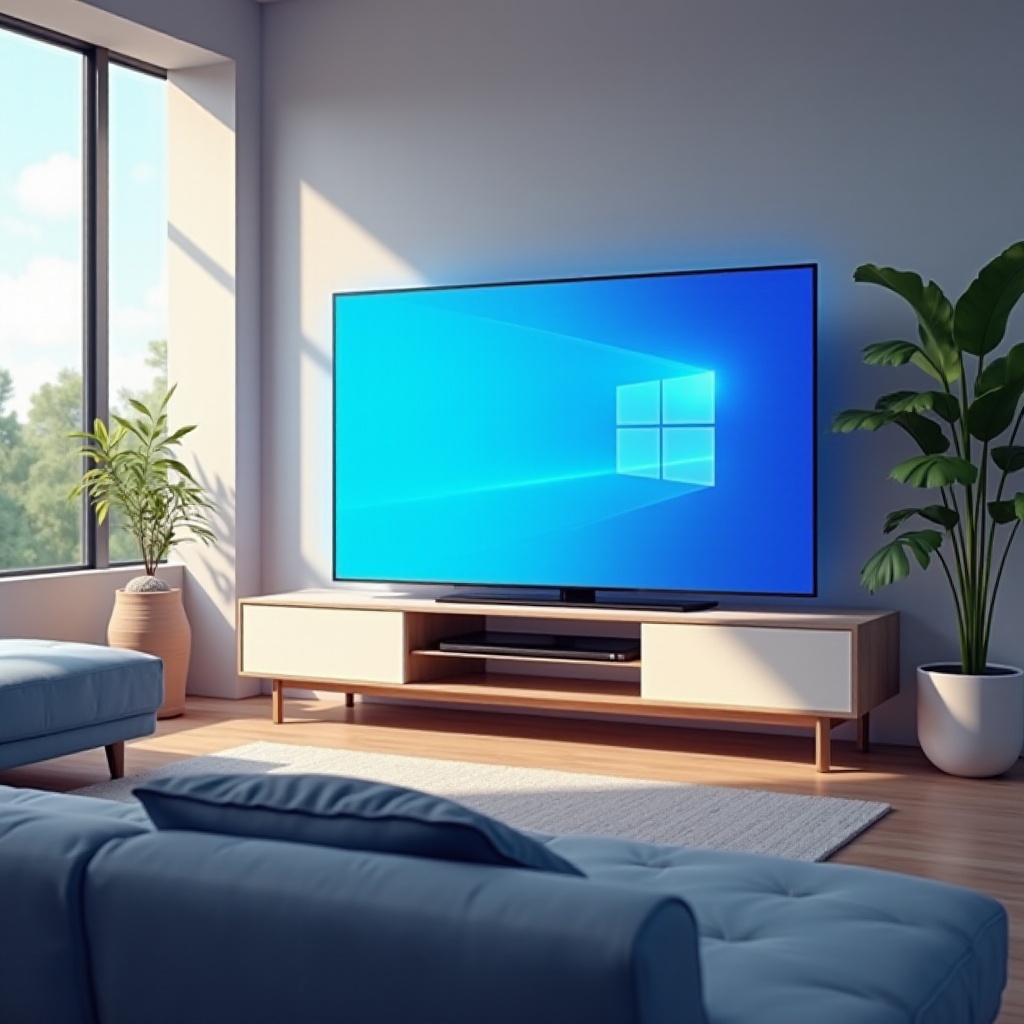
Understanding the root cause is vital to addressing a blue screen on your TV effectively. Several factors could contribute to this issue:
- Loose or Faulty Connections: Loose cables or faulty connectors often result in poor signal transmission, which can lead to a blue screen.
- Input Signal Issues: Incorrect settings on your TV’s input channels could disrupt the proper flow of a signal.
- Software or Firmware Glitches: Outdated or corrupted software can hinder your TV’s proper functioning, making it essential to keep firmware updated.
- Malfunctioning Hardware Components: Internal component issues within the TV can also lead to a persistent blue screen.
Pinpointing these causes helps target troubleshooting efforts more effectively, leading to quicker resolutions for the blue screen problem.
Diagnosing the Blue Screen Problem
Once you’ve familiarized yourself with potential causes, the next step is accurate diagnosis. Consider these steps to identify the issue:
- Checking Cable Connections: Ensure all cables are firmly connected. Unplug and plug them back into their respective ports to confirm they are properly seated.
- Verifying Input Source Settings: Double-check the input source selected on your TV to ensure it matches the connected device.
- Updating TV Software and Firmware: Access your TV’s settings menu to check for any available software updates and install them. This step can often resolve compatibility issues responsible for the blue screen.
Diagnosing the issue not only assists with immediate problem resolution but also helps prevent future occurrences by keeping your TV in optimal working condition.
Troubleshooting: Steps to Fix Blue Screen TV Issues
With a diagnosis done, you can start resolving the problem by following these straightforward troubleshooting steps:
- Performing a Soft Reset: Turn off the TV, unplug it, wait a few minutes, then power it back on. This action refreshes the system.
- Hard Reset and Factory Settings Restoration: If a soft reset is unsuccessful, try a hard reset. Navigate to your TV’s settings menu and choose the option to restore factory settings. Note that this should be a final resort as it erases all custom settings.
- Testing with Different Devices: Connect a different device, such as a DVD player or gaming console, to determine if the issue originates from a specific device and not the TV itself.
These methods should typically resolve most blue screen issues, allowing you to return to enjoying uninterrupted viewing.

Specialized Solutions for Smart TVs
If a smart TV is affected, consider these additional steps:
- Clearing Cache and Temporary Files: Access the settings menu to clear the cache, which can help resolve issues related to any background apps.
- Rebooting the TV System: Power cycling the smart system can clear up minor glitches impacting the TV’s performance.
- Specific App and Connectivity Adjustments: Reinstall any problematic apps and check for a stable internet connection to streamline content streaming.
These solutions are tailored for smart TVs to ensure smooth and stable performance.
Preventive Measures to Avoid Blue Screen TV
Prevention is often the best approach to maintaining a functioning TV:
- Routine Maintenance Tips: Regularly inspect and clean all cables and ports to ensure they remain clear of dust and damage.
- Optimizing TV System Settings: Frequently review and adjust your TV’s picture and system settings for peak performance.
- Safeguarding Against External Interference: Ensure your TV is positioned to minimize interference from other electronic devices and consider using a quality surge protector.
By implementing preventive measures, you can improve your TV’s longevity and maintain optimal performance, providing a seamless viewing experience.
Conclusion
Blue screen issues are relatively common, albeit manageable with the right knowledge and techniques. By systematically diagnosing and resolving issues, coupled with adopting preventive measures, you can maintain a seamless and enjoyable viewing experience. Don’t let a blue screen disrupt your entertainment—take control with these practical solutions.
Frequently Asked Questions
What should I do first if my TV screen turns blue?
Initially, check all cable connections to ensure they are secure and verify the input source settings.
Can a blue screen indicate a serious problem with my TV?
While often minor, persistent blue screens may indicate a hardware issue requiring professional evaluation.
How often should I update my TV’s firmware to prevent blue screen issues?
Check for and install firmware updates every few months or whenever you notice changes in performance.