Can You Connect AirPods with One Missing? A Comprehensive Guide
Introduction
AirPods, with their sleek design and advanced capabilities, have transformed audio experiences. But, what happens when you misplace one? This guide delves into how you can still connect your AirPods with one missing, ensuring uninterrupted audio enjoyment.
Understanding AirPods Technology
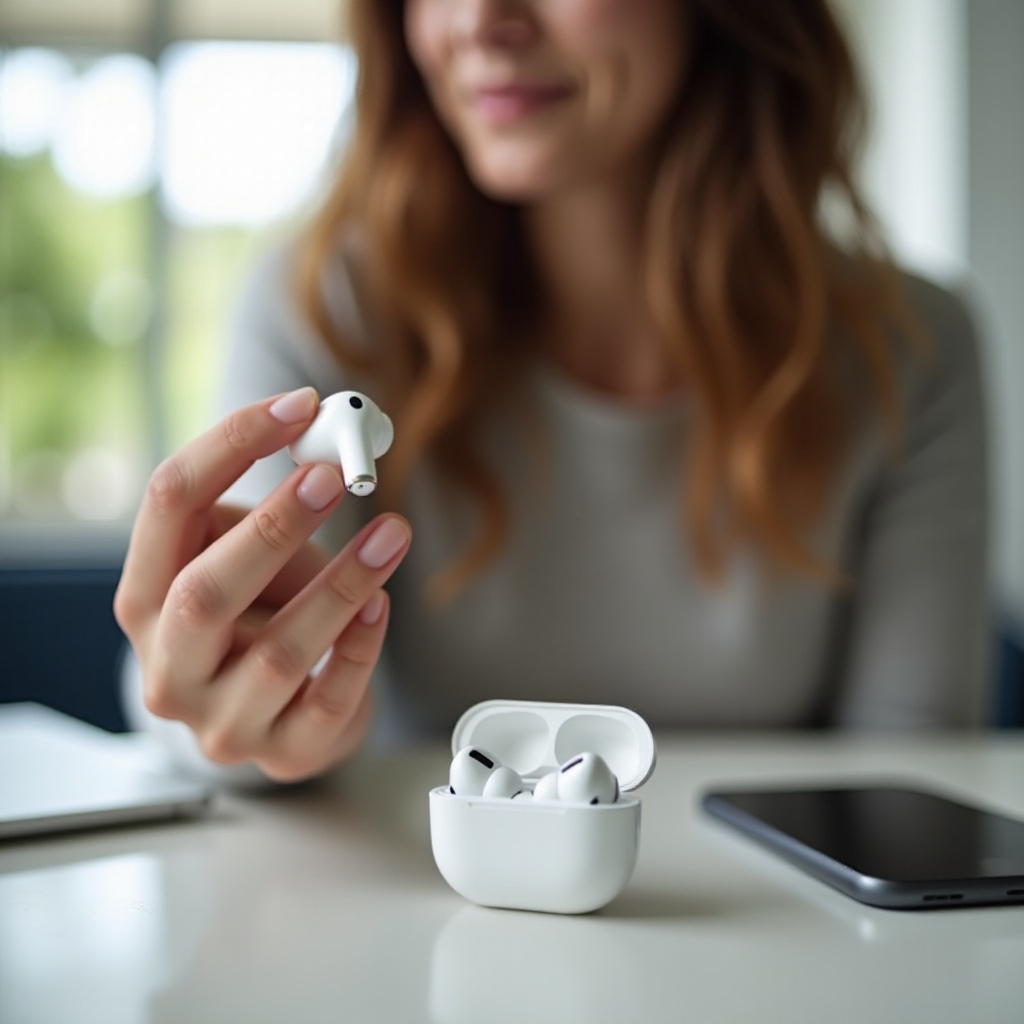
The brilliance of AirPods lies in their independent functionality. Understanding this is key to maximizing use, even with one missing.
-
How AirPods Communicate: AirPods rely on Bluetooth, where each earbud contains distinct Bluetooth capabilities for individual or paired operation.
-
Independent Functionality of Each AirPod: Each earbud can function solo, delivering audio separately and adapting seamlessly between single or dual use.
Grasping these fundamentals prepares you for the practical steps to connect a lone AirPod.
Connecting AirPods When One is Missing
Connecting a single AirPod involves a straightforward process, enabling continuous audio enjoyment.
- Place the Available AirPod: Make sure it’s positioned in your ear as it attempts to connect.
- Access Bluetooth Settings: Head to your device’s settings and open the Bluetooth menu.
- Select Your AirPods: Locate your AirPods in the device list and select them to initiate pairing.
- Wait for Connection: Allow your device a moment to establish a connection with the single AirPod.
Sometimes, despite following these steps, connectivity issues arise. Here are troubleshooting tips:
- Restart Bluetooth: Toggle your device’s Bluetooth off and then back on.
- Forget Device: If issues persist, find your AirPods in the list, select ‘Forget This Device,’ and then attempt reconnecting from scratch.
- Reset AirPods: Place the AirPod in the case, open the lid, hold the setup button until it turns white, and reconnect.
Once you’ve reestablished a connection, focus on optimizing sound quality.
Optimizing Sound Quality with a Single AirPod
When using one AirPod, adjusting certain settings can significantly enhance your audio experience.
- Adjusting Audio Settings:
- Balance Audio: Head to accessibility settings and adjust the audio balance toward the AirPod in use.
- Volume Adjustment: Fine-tune your device’s volume to maintain clarity through the single AirPod.
These adjustments ensure sound remains strong and clear, paving the way for a seamless single-AirPod experience.
- Tips for Enhancing the Listening Experience:
- Consider mono-audio settings optimized for single AirPod use.
- Regularly clean the AirPod to prevent muffled audio output.
With enhanced sound quality, understanding the pros and cons of single AirPod use becomes crucial.
Pros and Cons of Using One AirPod
The dynamic flexibility of using a single AirPod comes with its own set of benefits and drawbacks.
- Advantages of Single AirPod Use:
- Extended Battery Life: Alternating between AirPods can extend usage duration.
-
Heightened Awareness: Maintain ambient awareness while listening to audio.
-
Limitations and Potential Issues:
- Sound Quality Limitations: Mono sound lacks the depth of stereo.
- Audio Imbalance: Adjustments may still not replicate a dual-AirPod experience.
Comprehending these aspects naturally leads to exploring solutions for when an AirPod is lost.
Solutions for a Missing AirPod
Losing an AirPod doesn’t mean the end of your audio experience, thanks to various solutions.
- Using the ‘Find My’ App:
- Utilize the app to track the last known location of your AirPod.
-
Play a sound through the app to help locate a nearby missing AirPod.
-
Replacement Options and Costs:
- Apple’s Replacement Service: Apple offers single AirPod replacements, subject to warranty status and fees.
- Costs: Consider standard pricing or warranties when seeking replacements.
With these solutions, the impact of losing an AirPod is minimized, helping you maintain your audio enjoyment.
Conclusion
Connecting your AirPods with one missing is manageable with understanding and the right approach. Familiarity with AirPod independence, troubleshooting steps, and exploring replacement options ensures continuous quality audio, regardless of one missing piece.
Frequently Asked Questions
Can I buy a replacement for my missing AirPod?
Yes, Apple offers individual AirPod replacements through their service program.
How does losing an AirPod affect battery life?
Using one AirPod at a time allows you to alternate, maximizing battery efficiency.
Will the sound quality differ with one AirPod?
Yes, sound shifts to mono output, reducing depth compared to stereo.