
iWatch Display Replacement: A Complete Guide for 2024
Introduction
The iWatch serves as a crucial tool for staying connected, managing health, and tracking daily activities. However, over time, its display—the core interface—can experience wear and tear. From minor scratches to major cracks, these issues can hinder your device’s performance. Replacing the display becomes essential in these cases to ensure the iWatch continues to serve its purpose efficiently. In this guide, we’ll walk you through the intricacies of iWatch display replacement.
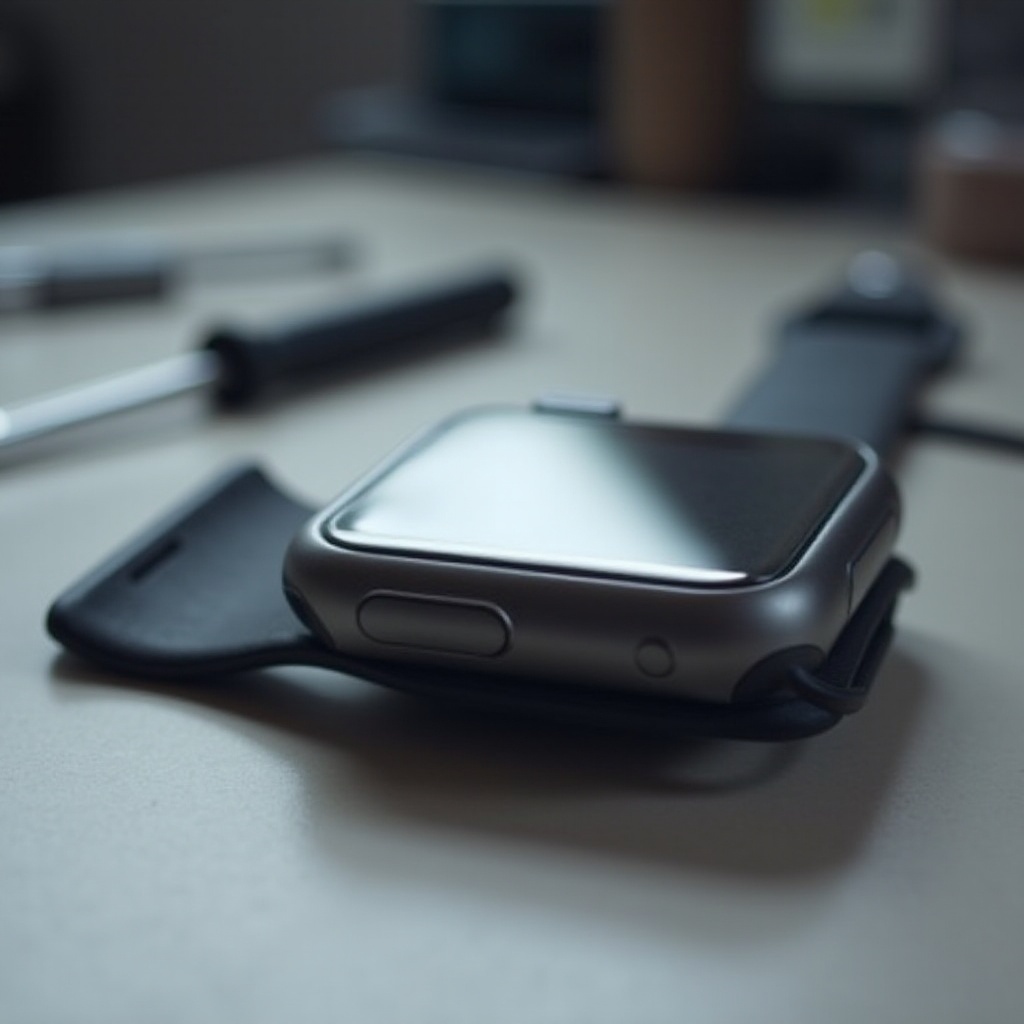
Understanding iWatch Display Issues
The display of your iWatch is durable yet vulnerable to various forms of damage. Understanding the root causes can help you prevent future occurrences.
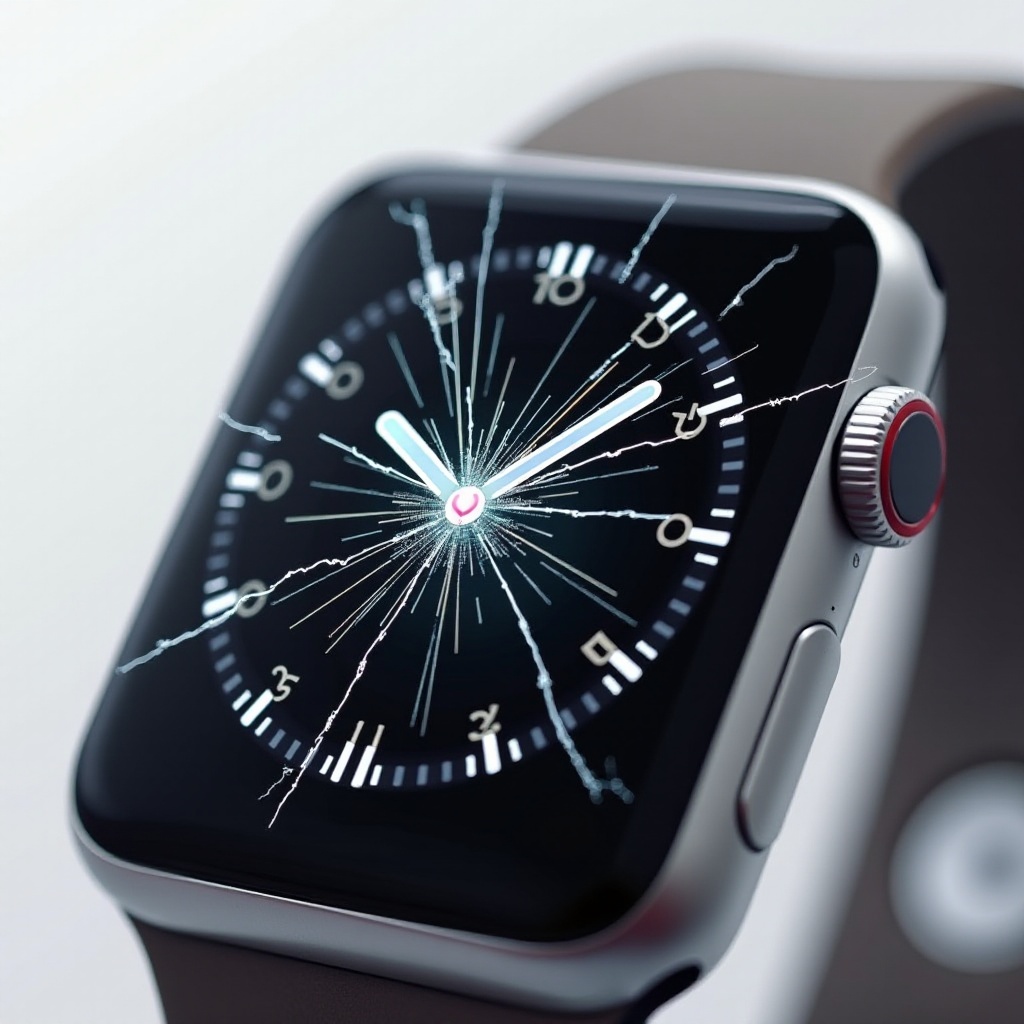
- Common Causes of Display Damage: Most often, damage results from drops, exposure to intense environments, and regular wear. Knowing these risk factors can guide you in taking protective measures.
- Indications Your Display Needs Replacement: Signs of needed replacement include persistent black spots, deep scratches, slowed touch response, or complete touch failure. Identifying these symptoms can prompt timely action.
Grasping these potential issues is vital as you consider either repairing or replacing your display.
Preparation for Display Replacement
Replacing your iWatch display requires careful setup. With the right tools and safety measures, you can conduct a successful repair without causing further damage.
- Tools and Materials Required: Essential items include a pry tool, a precision screwdriver set, tweezers, and an anti-static workstation.
- Safety Precautions: Turn off your device before starting. Use a grounded wrist strap to prevent static discharge. Additionally, a clean, organized workspace will help manage small parts.
With preparation complete, you’re set to transition smoothly into the replacement process.
Step-by-Step iWatch Display Replacement Guide
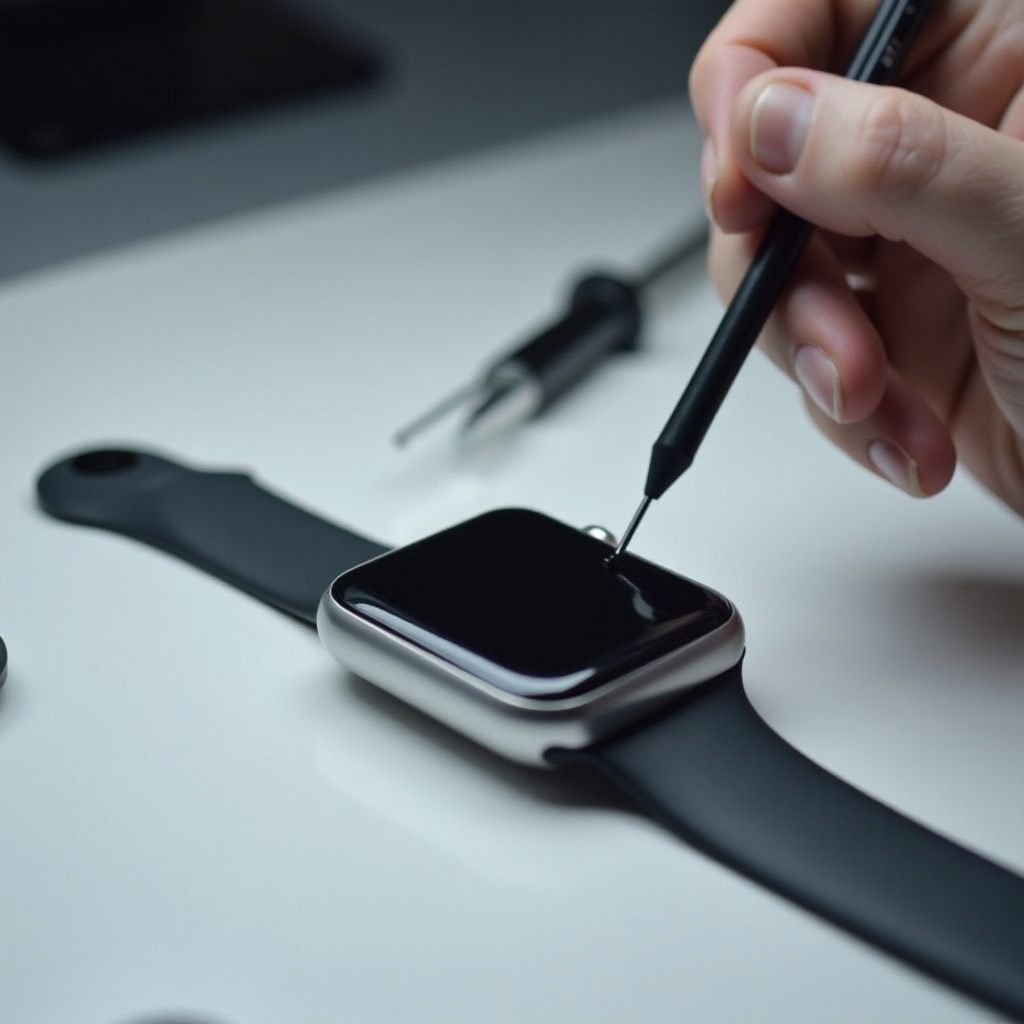
Follow these detailed steps to replace your iWatch display effectively:
- Setting Up Your Workspace: Ensure your area is dust-free. Lay out tools for easy access, and consider using a magnetic mat to hold small components.
- Removing the Old Display:
- Heat the edges with a hairdryer to soften adhesive.
- Use a pry tool to lift the display gently.
- Carefully disconnect flex cables with tweezers.
- Installing the New Display:
- Connect the flex cables to the new display.
- Press the display into place until secure.
- Power the iWatch on to verify functionality prior to sealing.
Replacing the display successfully rejuvenates both function and appearance.
Cost Considerations for iWatch Display Replacement
Understanding cost implications aids in deciding between a DIY approach or opting for professional services.
- DIY vs. Professional Services: DIY kits can cost between $30 and $100. Professional repairs, especially those authorized by Apple, range from $150 to $300, often including warranties.
- Factors Influencing Cost: Model type, regional service rates, and warranty status all impact the overall cost. Comparing these options ensures you choose the most suitable path.
Evaluating costs alongside convenience factors will help you determine the best option for your situation.
Maintaining Your New iWatch Display
Proper maintenance of your new display can extend its lifespan and performance.
- Daily Care Tips: Regularly clean with a microfiber cloth. Avoid extreme temperatures and handle with care to prevent accidental drops.
- Recommended Protective Accessories: Use screen protectors for additional scratch resistance. Opt for wristbands providing better grip and stability to reduce drop risk.
Using these strategies will keep your iWatch display clear and fully functional.
Conclusion
Replacing your iWatch display is an effective solution for restoring device functionality. Whether opting for a DIY fix or professional service, being informed is your best tool in ensuring a seamless and cost-effective replacement. Regular maintenance post-replacement will further optimize your iWatch use, allowing you to fully enjoy its features without disruption.
Frequently Asked Questions
Can I replace my iWatch display myself without voiding the warranty?
DIY repairs may void your warranty if it’s still active. Check warranty terms before proceeding.
How long does a professional display replacement take?
Professional replacements generally take between 30 minutes to a few hours, based on the repair shop’s workload.
What should I do if my new display doesn’t work properly?
Ensure all connections are secure. If issues continue, seek professional help or contact the supplier.