
Apple Watch GPS Tracking Without Phone: Your Ultimate Guide
Introduction
Apple Watch offers users the capability to use GPS tracking independently of their smartphones, providing convenience in various activities. Whether you’re jogging in the park or exploring a new city, the built-in GPS on Apple Watch ensures you remain on track and informed without the need for carrying your phone. This guide delves into how Apple Watch’s GPS tracking functions without a phone, its distinct advantages, and tips to maximize its use.
Understanding Apple Watch GPS Capabilities
The Apple Watch is equipped with sophisticated GPS technology that can independently locate your position. This feature enables tracking of workouts, navigation, and more without dependency on a smartphone. There are two primary models of the Apple Watch: the GPS-only model which relies on Wi-Fi or pre-downloaded data, and the GPS + Cellular model, which operates independently via a cellular connection. Knowing these functions helps you decide which model best suits your needs and lifestyle.
How Apple Watch GPS Works Without a Phone
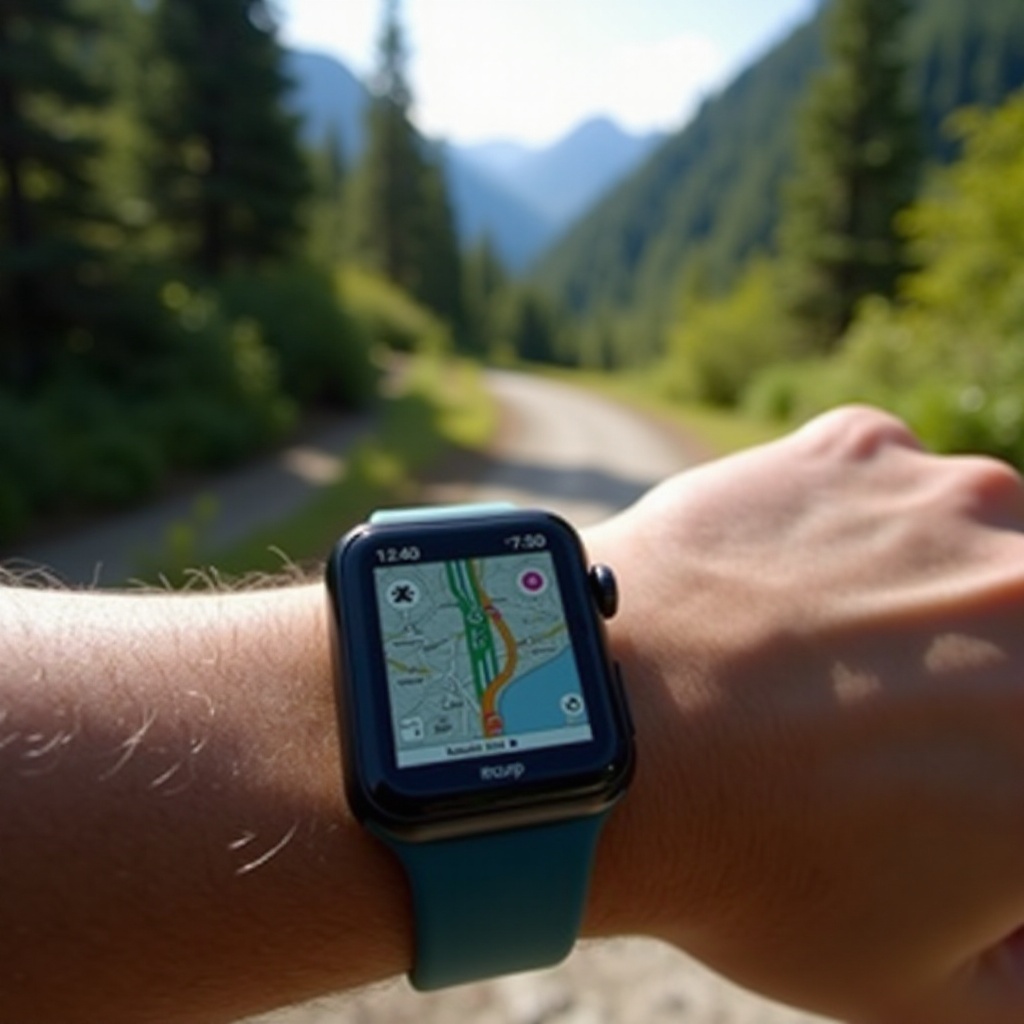
Apple Watch GPS uses satellite signals to track and map your location precisely. As you move, the watch computes data on speed, distance, and route, providing an overview of your activity. Although having your phone handy can enhance the precision of some functions, the Apple Watch can:
– Monitor workouts using apps like Apple Fitness+
– Guide you with pre-synced maps or directions
– Keep track of outdoor activities such as hiking, cycling, and running
This versatility is what makes Apple Watch an invaluable gadget for fitness enthusiasts and adventurers alike.
Benefits of Apple Watch GPS Tracking Without a Phone
Going phone-free with Apple Watch GPS has several advantages:
- Portability: Simplify your excursions by leaving your phone behind while staying connected with essential features right on your wrist.
- Longer Battery Life: Conserve your phone’s battery while the watch efficiently takes over navigational tasks.
- Focused Activity: Experience activities distraction-free, fully engaging in your surroundings and tasks.
Offering freedom from additional devices, the Apple Watch’s portability and convenience can significantly enhance your outdoor and fitness experiences.
Best Practices for Using GPS Tracking
Maximize the efficiency of your Apple Watch’s GPS with these practices:
- Improve GPS Precision:
- Keep your watch software up to date for optimal performance.
- Configure location settings correctly for the apps you use frequently.
-
Steer clear of densely built or covered areas that may interfere with satellite signals.
-
Conserve Battery Energy:
- Close unnecessary apps operating in the background.
- Engage ‘Power Reserve’ in situations of prolonged use.
-
Use auto-dimming settings to save power.
-
Prepare for Outdoor Adventures:
- Sync music playlists and critical files beforehand.
- Consider a portable charger for extended expeditions.
- Familiarize yourself with watch functions for seamless usage when navigating.
These tips will ensure you obtain reliable GPS data and an enhanced experience, especially when venturing outdoors.
Choosing the Right Apple Watch Model for Your Needs
Deciding on the appropriate Apple Watch model involves assessing how you will frequently use the device. For those often away from Wi-Fi and needing cellular features, the GPS + Cellular model may be the preferable choice. Conversely, if your environment frequently provides Wi-Fi access, the GPS-only model offers a practical and affordable option. Considering your specific lifestyle requirements will help determine which model conforms to your preferences and demands.
Overcoming Common GPS Limitations
While Apple Watch GPS tracking is reliable, some limitations might arise. You could experience:
– Signal Disruption: Dense urban environments or wilderness can challenge GPS signals.
– Reduced App Functionality: Certain applications might necessitate a phone connection for full functionality.
To counter these challenges:
– Regularly update watch software to improve performance and accuracy.
– Pre-download necessary data while connected to Wi-Fi.
– Optimize conditions for robust satellite signal acquisition.
By being aware of these potential issues, and by taking steps to address them, you can greatly enhance the performance of your Apple Watch in various scenarios.
Frequently Asked Questions
Can I use Apple Maps on my Apple Watch without a phone?
Yes, by pre-downloading maps and directions via Wi-Fi beforehand.
How accurate is the Apple Watch GPS without a phone?
While less precise than when paired, the accuracy is sufficient for most outdoor activities.
What activities can I track with GPS on Apple Watch without a phone?
Activities such as running, hiking, cycling, and swimming can be efficiently tracked.